Navigate Patient Portals With Confidence Using AI Guidance
Access test results, message your doctor, and manage prescriptions on MyChart or similar portals without the headache. Screen Copilot guides you step by step.
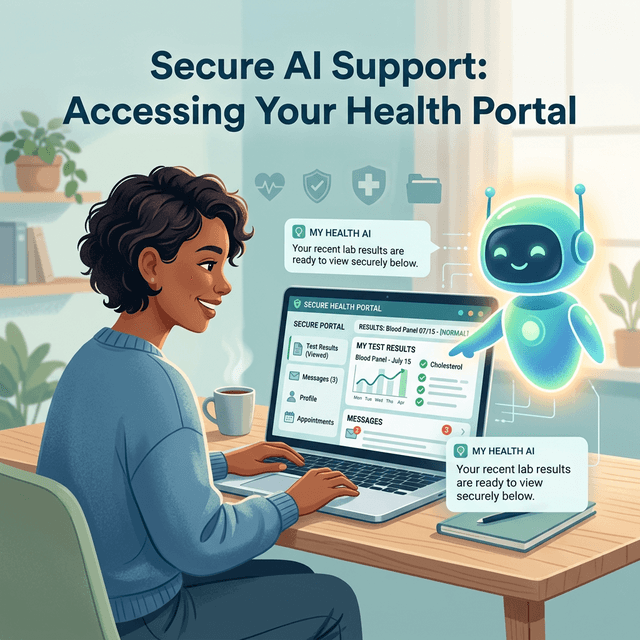
With healthcare systems increasingly moving to digital platforms, patient portals like MyChart have become essential for managing your health. However, these platforms can be difficult to navigate, especially when you need to find specific test results, request prescription refills, or communicate clearly with your healthcare provider.
Screen Copilot acts as your patient guide, watching your screen as you navigate your healthcare portal and offering clear, jargon-free instructions.
Demystifying Healthcare Portals
Understanding medical terminology and finding the right menu options are big hurdles for many patients. When you use a portal, you might face challenges such as:
- Complex Navigation: Figuring out where past visit summaries are hidden.
- Messaging Your Doctor: Selecting the right provider, choosing the correct message category, and writing a clear question.
- Finding Fast Results: Navigating to lab results and understanding the basic ranges provided without getting overwhelmed.
- Requesting Refills: Finding the specific medication from your list and submitting a refill request to your pharmacy.
How Screen Copilot Helps
When you share your patient portal screen with Screen Copilot, the AI can see exactly what you see and tell you where to click next.
Locating Your Records
If you are looking for your recent blood test results, simply ask, "Where are my test results?" Screen Copilot will scan the visible menus and instruct you to click on "Test Results" or "Health Record," guiding you through the submenus until you find what you need.
Drafting Messages to Providers
Writing to your doctor can sometimes feel intimidating. You can tell Screen Copilot, "I need to ask my cardiologist about my new medication making me dizzy." The AI can guide you to the "Messages" tab, help you select your cardiologist, and even offer suggestions on how to phrase your concern clearly and concisely based on your input.
Managing Appointments
Need to reschedule a follow-up? Screen Copilot can help you navigate to the "Visits" or "Appointments" section, review available dates, and confirm the new time without accidentally canceling other important visits.
Privacy First
Screen Copilot processes your screen locally in your browser for the AI response and does not store your sensitive medical data on its servers. Your conversation history remains local to your device.
Regain Control of Your Healthcare
You don't need a medical degree or advanced computer skills to use a patient portal. With Screen Copilot's patient, step-by-step guidance, you can manage your health information confidently and easily.